
The Do’s and Don’ts of Starting a Podcast
So you have an idea for a podcast? Well, perfect timing, because there’s never been a better time to start one. According to RSS.com podcasts are becoming increasingly popular, with over 584 million individuals listening to a podcast each month (and 158 million listeners coming from the U.S. alone). So the potential for your amazing idea is tremendous, but where should you start? Let’s take it one step at a time.
Define your podcast audience and overall “why”.
Why does this podcast exist? Who’re you trying to reach? What makes your podcast unique? Where does your audience consume media? These are basic but important questions to answer nonetheless. By defining a clear “who, what, where, and why”, you can ensure your podcast differentiates itself from the competition.
Decide on the best platform for your podcast.
There are a lot of different ways you can go about recording your podcast, but it ultimately comes down to remote recording vs. in-person/studio recording.
Do you favor control and predictability when it comes to the technical quality and aspects of your podcast? Does your budget allow for you to rent or develop a physical studio for recording? Does it allow for bigger cameras, lights, and microphones? Are your guests able to meet in-person? If so, in-person recording might be the way to go.
Do you value flexibility and convenience? The ability to record wherever you are in the world? Then a virtual, remote recording platform might be the way to go. Although there are many other options, a few popular remote recording and editing platforms are Riverside, Descript, and Zencastr. Here’s a brief comparison (as of August 2026) to see which one may be right for you. All of them offer free plans (or at least a free trial), so we recommend testing each to see which one you like most!
| Riverside | Descript | Zencastr | |
|---|---|---|---|
| Cloud Based w/ Cloud Storage (means platform stores recordings on its servers so you don’t have to download footage) |
✓ | ✓ | ✓ |
| Local/Multitrack Recording (means each platform records video and audio locally on each person’s device before uploading, so internet lag does not affect the final recording) |
✓ | ✓ | ✓ |
| Text Editing (just delete the words you don’t want and keep the ones you do) |
✓ | ✓ | ✓ |
| Track Editing (if you want a more traditional editing experience) |
✓ | ✓ | |
| Live Streaming | ✓ | ||
| Mobile Recording
(record sessions on your phone with a dedicated app) |
✓
(iOS and Android) |
✓*
(iOS only) |
|
| Custom Branding Elements (add company logos, colors, other branding elements) |
✓ | ✓ | ✓*
(more limited comparatively) |
| AI Tools
(all of these platforms include transcription, social clip suggestions, speaker highlighting, audio clean-up, and filler word/pauses removal. This is not an exhaustive list, we’re highlighting just a few of the included AI features) |
✓
(also includes translation, B-Roll video generation, eye contact correction, speech correction, AI assistant) |
✓
(also includes translation, B-Roll video generation, eye contact correction, speech correction, AI chatbot) |
✓ |
| Built-In Analytics | ✓ | ✓ | |
| Distribution
(all of these platforms include transcription, social clip suggestions, speaker highlighting, audio clean-up, and filler word/pauses removal. This is not an exhaustive list, we’re highlighting just a few of the included AI features) |
✓
(RSS, YouTube, Apple Podcasts, Spotify, and more) |
✓
(Public share page, direct file export, YouTube, various podcast hosting platforms. Note: does not include direct publishing to Apple Podcasts, Spotify) |
✓
(Public share page, RSS, YouTube, Apple Podcasts, Spotify, and more) |
| Offers Free Plan
or Trial
(to get started and see what works best for you) |
✓*
(only free trial) |
✓ | ✓ |
What’s great about these platforms is that they also act as a hosting and editing platform for all of your footage, so everything always remains ready to edit and consolidated within a single place. From each of these platforms you can also download the raw footage and edit offline on your favorite editing software if you prefer.
For us at Hueman Studio, we’ve been using Riverside to manage, edit, and record episodes for HomeAid’s Unsheltered Conversations. Our conversation will focus on tips and tricks more applicable to recording over a remote platform versus an in-person recording setup, but you’ll definitely notice some overlap!
Preparing your recording space.
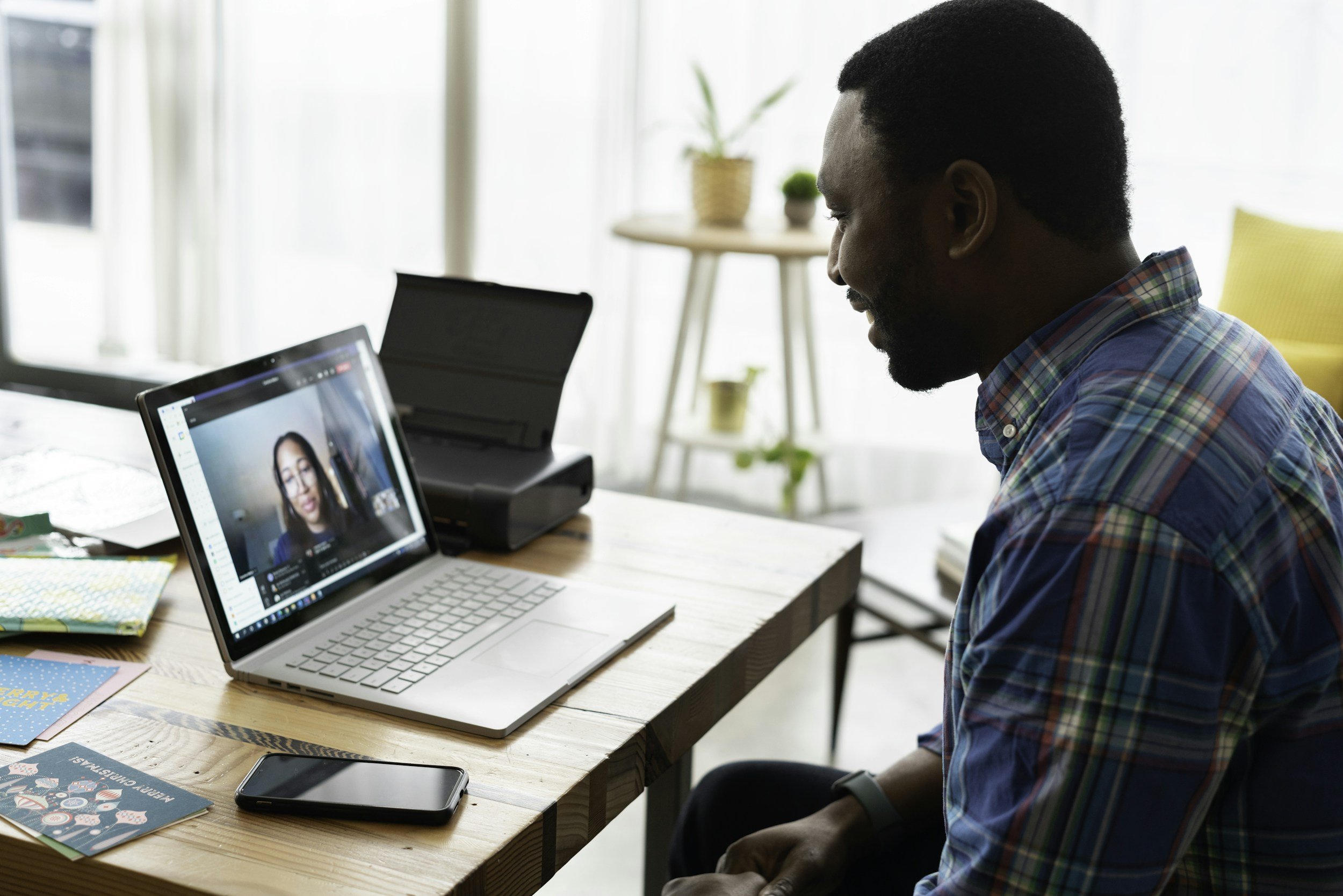
Assuming you’re running things virtually, make sure your space is looking how you want to present it to the world. It doesn’t need to be fancy, just intentional and individual! Creating a space that feels more curated to you and your brand not only helps you stand out from the crowd but also draws in and inspires trust and confidence from your potential audience. You want to create a space that attracts and appeals to your listeners, not just anyone. With that said, here are some things to keep in mind.
Background/Composition
During recording you will most likely be centered in the frame, so wherever you plan on recording, keep an eye out for spaces that encourage this. Make sure your space is clean, remove anything distracting or private that you don’t want to display, but don’t let this detract you from having your space reflect who you are.
Lighting
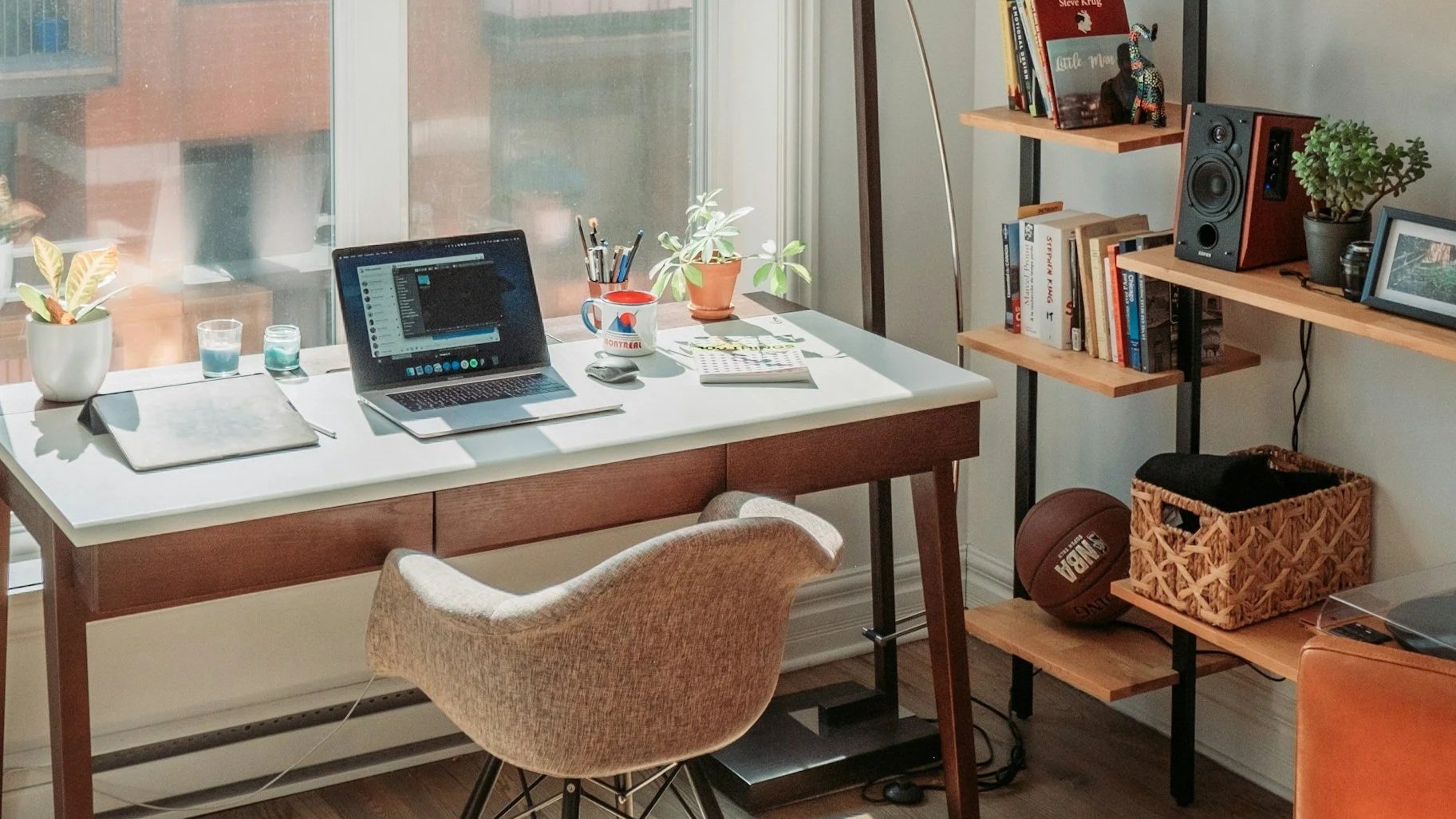
Lighting makes a big difference in the tone and vibe of your podcast. If there’s a window that you can use, natural lighting is great, especially if it’s behind a translucent curtain for that nice, soft lighting. Just be aware of the shifting sun so that your lighting/background remains consistent. Scheduling your sessions late morning/early afternoon usually makes this a non-issue. If you can’t rely on natural lighting, we recommend finding some soft desk lamps (or just using one you have lying around somewhere). For the speciality lamps, we’ll recommend some below.
Besides lighting you, the subject, also make sure your background is well-lit, and not some kind of dark cave (unless that’s the vibe you want!).
Sound
Is your space carpeted, or does it have hardwood floors? Is your room kind of echoey when you talk? Carpeted rooms usually perform best, but if no such thing exists, do no fret! You can lay down some blankets on your floors around your recording space to help minimize some of the reverb and echoes. We’ll get to mics below.
Consider developing a guide to share these recommendations with future guests so they can prepare their space as well. This helps create and enforce consistency and quality between episodes and guests.
Creating your equipment list
You don’t need the fanciest or most expensive of setups and equipment in order to look and sound great, but putting some investment into quality gear that is also reliable and easy-to-use will help your podcast run smoothly and look good for hopefully many years to come. (It’s up to you if you want to share these recommendations with your guest, but it certainly wouldn’t hurt.)
Webcam/Cameras
The good thing is most modern webcams are pretty good nowadays, especially if your space is well-lit. Generally, aim to find something that records in 1080p or above. 4K webcams aren’t a necessity, as you’ll most likely be recording between 720p-1080p, but it usually means you’ll end up with a sharper, crispier image. Here are two popular webcams worth checking out:
If you have more room in your budget, all of the platforms we mentioned above include support for DSLRs and mirrorless cameras that are able to connect to your computer (most current cameras from Sony, Canon, Nikon, Panasonic, and Fujifilm do), giving you even more control and even higher image quality than a standard webcam. Just be prepared for potentially a bit more setup time.
Microphone
Perhaps one of the most important pieces for your podcast recording. There are a lot of options out there to consider. Do you want a plug-and-play USB type microphone, or do you know your way around an audio interface and want to use an XLR-type microphone? Both can be used in remote platforms if set up appropriately.
We recommend avoiding wireless earbuds that have microphones, as their quality tends not to be as strong as it could be. If your budget allows, pick up a dedicated microphone.
Here are two suitable options for USB microphones:
For more information on microphones, check out this great article from Riverside.
Headphones
Some platforms have the ability to record without headphones, but if you want to ensure stability and make sure you avoid any audio echo, you’ll want to have a reliable pair of (wired) headphones handy. Here are a few headphone options.
Lighting
You can use any desk lamps with any old lightbulbs you have lying around the house, but if you want more control, you have two options to consider. The first option is using said lamp fixture, but adding a smart bulb for control to dial in the color and intensity of the light. Your other option is a dedicated fixture designed to create a softer, direct light onto the subject. Both options could work well for your setup; the biggest thing is simply having control over your light.
Something to keep in mind. As is, a regular desk lamp will often produce more natural, softer light, given that it’s already hidden within a lamp shade and bouncing off your desk. A dedicated lighting fixture, if pointed directly at the subject, will produce a harder light source.
Pro-tip, try bouncing these dedicated lighting fixtures off the wall in front of you. This will help the light become softer and create a more pleasing look.
Some popular smart bulbs include:
Some dedicated desk lighting fixtures:
Logitech Litra Beam (if you need a lot of output)
Logitech Litra Glow (if you only need just a little splash of light)
Picking Your Podcast Guests
This comes back to the first questions you answered. Who’s your audience? Why are you doing this podcast? Consider guests that provide a unique perspective for your audience on your chosen topics and that you think would help you foster a great conversation. Develop a list of people you’d like to have on the show and start reaching out to them now to start scheduling. Consider also the timing of your podcast release schedule, would it benefit from being released at a specific period of time? For HomeAid’s Unsheltered Conversations, they’ve chosen a series of guests and conversation subjects that are scheduled according to certain holidays, seasons, and events within the homebuilding/non-profit industries.
In terms of when in the day to actually schedule your recording session? There are no hard and fast rules! Whenever you can make it happen is better than not recording at all. Something to consider though, based on our lighting discussion above, it’s usually best to try for something between later in the morning through earlier in the afternoon so the lighting is more consistent (if you’re not in a controlled environment). People usually aren’t still waking up or super tired within this time frame, either. A win-win.
Planning Ahead and Scheduling
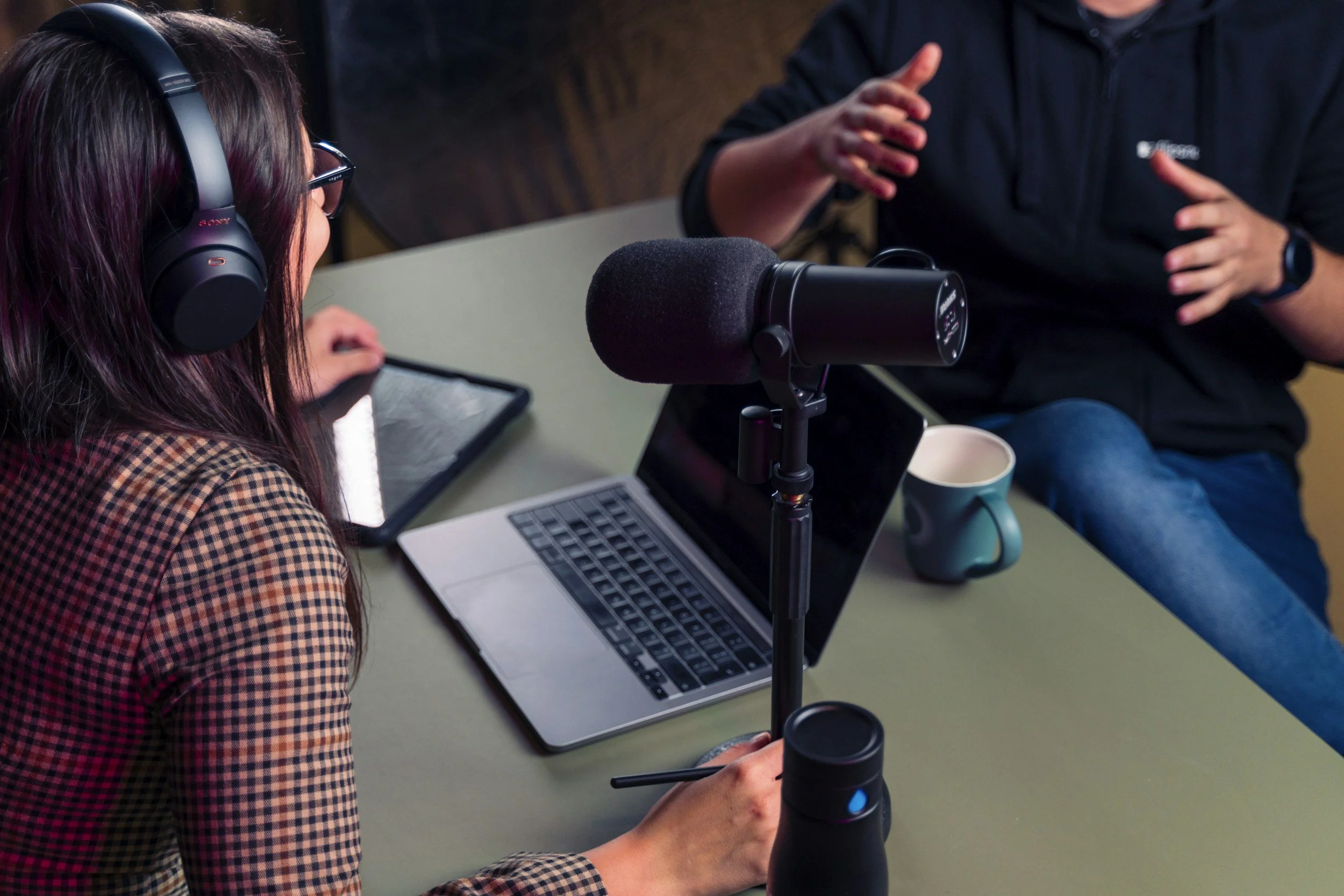
Now’s a great time to develop a general outline of talking points. You don’t (and probably shouldn’t) have a full script, but main talking points and questions to guide the conversation are great to have. If you’re unfamiliar with your guest, do your research. Even if you think you know the subject/guest pretty well, also, do your research. You can never be too prepared!
Don’t know where to start structuring your conversation? Research and listen to some of your favorite podcasts within your genre. See how they structure and guide the conversation. Take inspiration from these examples, but ultimately try to make it your own, thinking back to what makes your podcast unique. As an example, let's say your podcast is about demystifying personal finance apps. You can start by introducing the application and how it’s supposed to work and then maybe add your review and expertise.
Pro tip: When you schedule your session, make sure to attach this script so your guest is prepared as well.
Assuming you now have it scheduled, set up and test your equipment. Do a trial run with a friend or family member or whoever, as if you were doing a real recording. Get familiar with your tools and podcasting platforms. Look at your background and composition. Your lighting. Check your sound. Does everything look and sound great?
Depending on the platform, you can share a link to your guest to test out their own setup beforehand, like we do on Riverside for HomeAid’s podcast. This is a great way to avoid any recording day mishaps and focus all recording time on the episode itself.
Just Before Recording
Before hitting record, check your (everyone's) composition. Make sure you’re centered in the frame with comfortable headspace above, below, and to the sides. Too tight or too loose of framing makes it more difficult to comfortably grab short clips for socials later.
Check your (everyone’s) lighting and sound. Make sure they look and sound good.
Relax! You got this. Take a deep breath and remind yourself (and your guest/s) that the goal is to just have a conversation. Unless you’re live-streaming, you can stop. Do a re-take. Whatever. No one, including the host, has to be perfect!
Editing
If using one of the remote platforms linked above, you’ll be able to edit and record all in one place. Each platform has their own learning curve, but all operate fundamentally the same. We recommend spending time with a few of the different platforms to find what feels best for your workflow. The three platforms we highlighted above at minimum feature a free-trial, so go ahead and practice recording and editing a sample podcast session. We highlighted some of the special features of these above, but nothing beats actually trying the software out for yourself.
When editing, outside of cutting the obvious superfluous (we like to have fun rhyming here at Hueman Studio), pay attention to any areas where you feel the conversation is dragging a bit and consider either trimming down or cutting that section all together.
Editing is heavily based on instinct and feeling, so if something feels wrong or boring, just trust your gut and cut it! If you’re doing video, consider adding supporting images and text to help keep your audience engaged. Even if everyone on the podcast has a way with words, we’re still visual creatures.
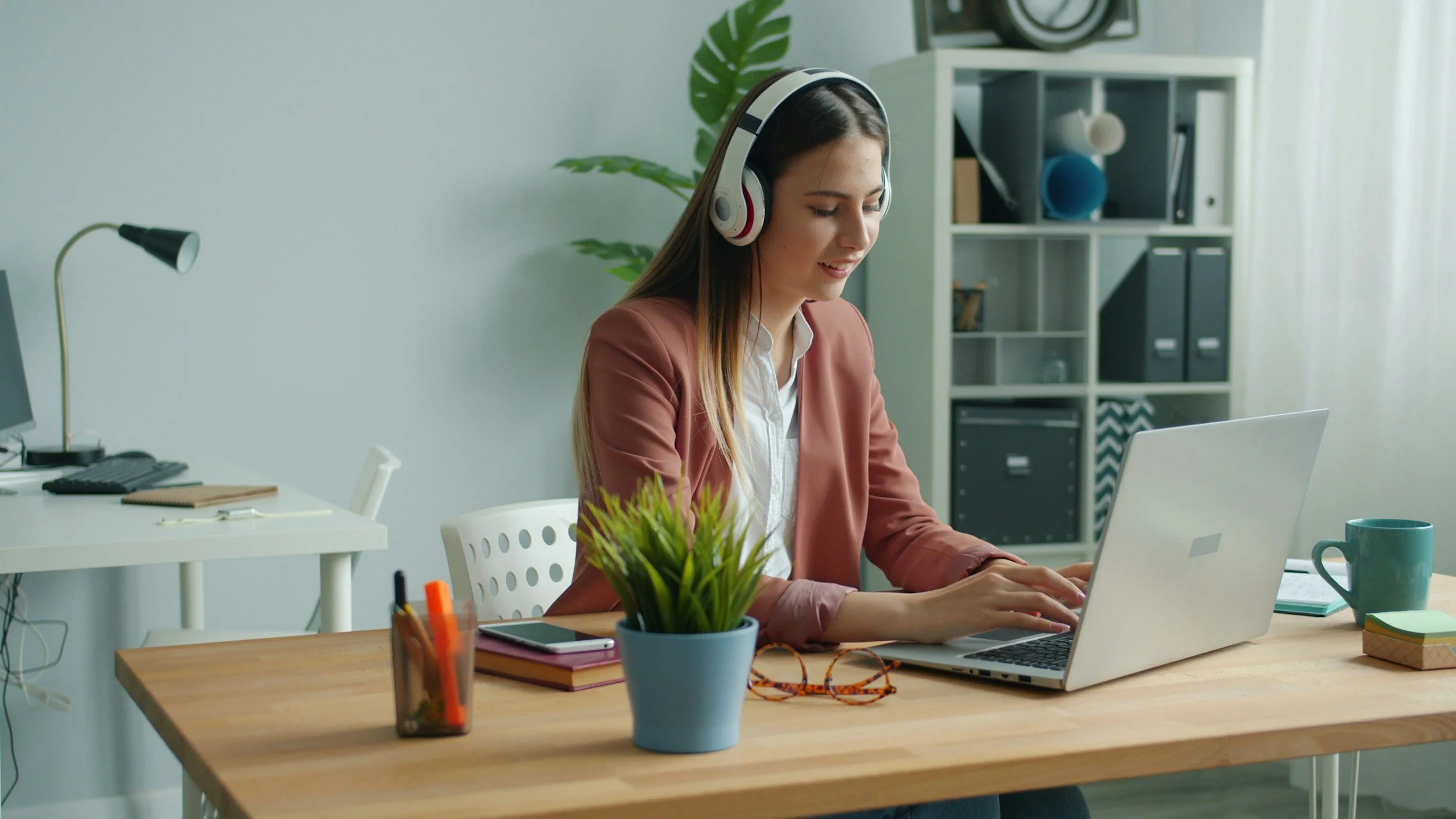
For short-form videos/clips, we recommend baking in subtitles within the editor. Not only for accuracy, but also for branding purposes and styling things to your liking.
Speaking of, consider developing ways of incorporating your brand throughout, including but not limited to your colors as a backdrop or a logo to overlay atop (and if you want to go the extra distance, an animated logo for the intro and outro). Don’t have a brand? Hey, that’s something we can help with!
Lastly, consider picking and sticking with a single music track or theme for your intro and outro. This helps your audience automatically identify and recognize your podcast as your podcast.
Publishing
Okay, time to publish. We recommend diversifying your channels and deliverables. More reach equals more chance for audience engagement. That said, if you know your audience and have done your research, you should know which delivery channels most resonate with them.
Here are a few of some of the most popular platforms for delivery.
Music Streaming: Spotify, Apple Podcasts, Amazon Music, YouTube etc.
Social Media: YouTube, Instagram, Facebook, LinkedIn, TikTok
Each delivery platform has different, ever-changing forms of content that it prefers and utilizes. Full-episode podcasts are great for YouTube, since they love long-form content, but they also love short-form content through YouTube Shorts. Spotify and Apple both feature video capabilities, but uploading is easier and more reputable through Spotify. Netflix recently rolled out hosting big-name podcasts, like “On Purpose with Jay Shetty” or “Rotten Mango”. There are so many potential channels for delivery, so do your research on these platforms and incorporate what you know about your audience into how and where you choose to deliver your content.
Also, you may be asking, why do we have all of these social media platforms listed? They are not necessarily a place to host your full podcast episodes but are great for sharing short clips and bite-sized reels to entice them to listen to the full episode. They’re an easy entry point for your audience.
Closing Thoughts
That was a lot to consider, and we only just scratched the surface. Here’s what to ultimately remember about podcasting. Like a lot of things in life, consistency is key. The more consistent you are with recording and the content you produce, the more content you will have to share, and the more visibility your conversations will have to the world.