
Squarespace Plugins to Take Your Websites to the Next Level
Squarespace has a lot of great built-in features but every now and then, a project calls for a little extra oomph. That's where plugins come in.
Here are five plugins I keep coming back to.
1. Count Up Animation by Will Myers
When it comes to impact, numbers tell a story about a brand’s reach. The Count Up Animation plugin by Will Myers brings that story to life by animating static figures up to their final value, creating a sense of momentum that's hard to scroll past. For nonprofits communicating things like "1.4M+ Individuals Served" or "16k+ Beds Created," that motion turns a stat into emotion.

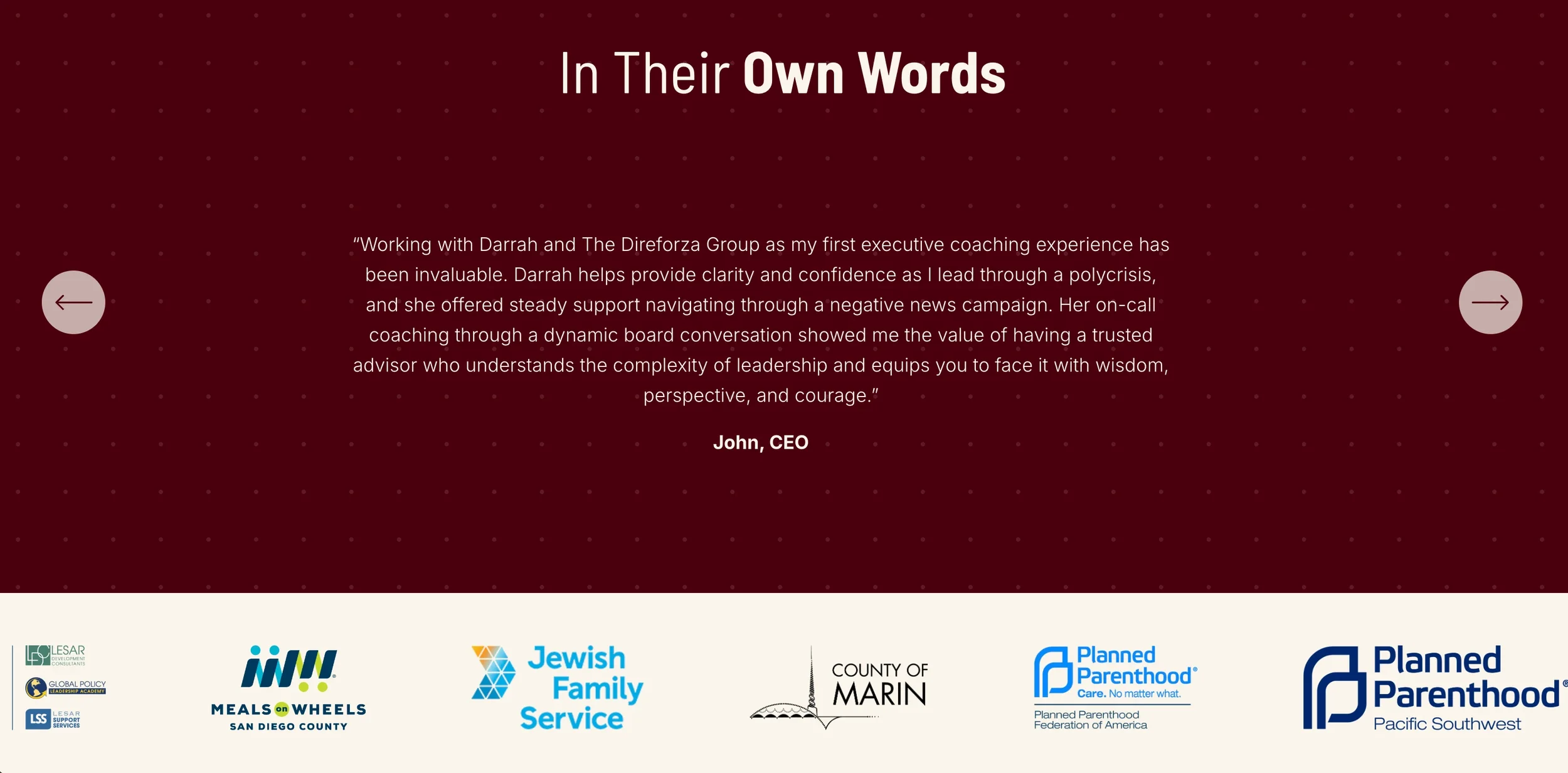
2. Animated Scrolling Logos by Schwartz-Edmisten
A scrolling logo bar does a lot of quiet work to establish trust without saying a word. This plugin by Schwartz-Edmisten makes that effortless to build in Squarespace, so there's no clunky workaround, no custom code headache.
The result is smooth, professional, and surprisingly easy to maintain, which is exactly the kind of small touch that clients love and visitors notice.
3. Universal Filter by Square Plugins
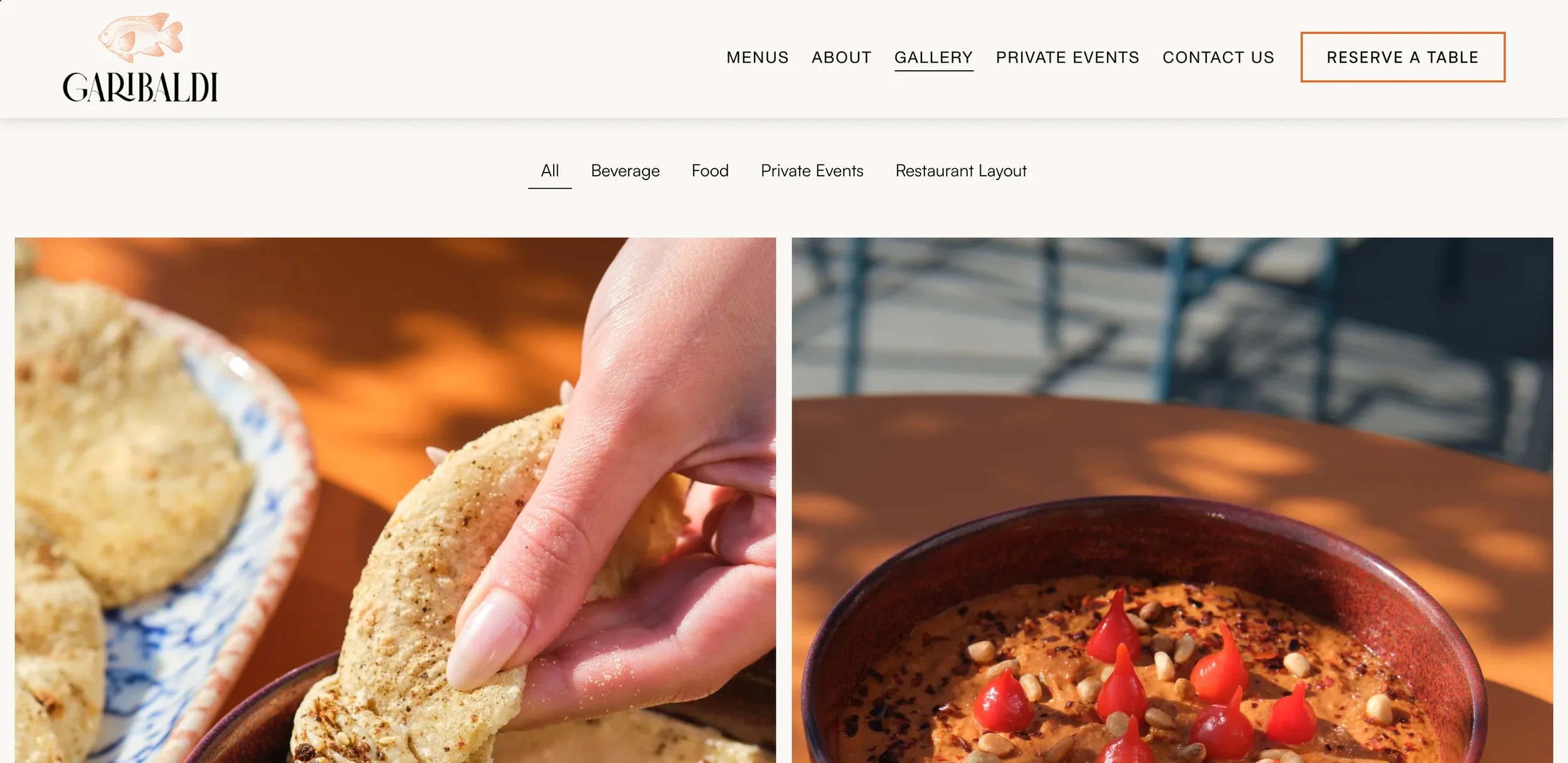
Anytime a project needs a sorting or filtering mechanism, this is usually my first call.
I've used Universal Filter in some really fun and efficient ways like: organizing a book review blog so readers can sort by genre, building out a restaurant gallery where visitors can select between food, beverages, and interior/exterior photos. This plugin is really about making content more readily accessible and getting people from point A to B without hassle.
4. Lightbox Anything by SQSP Themes
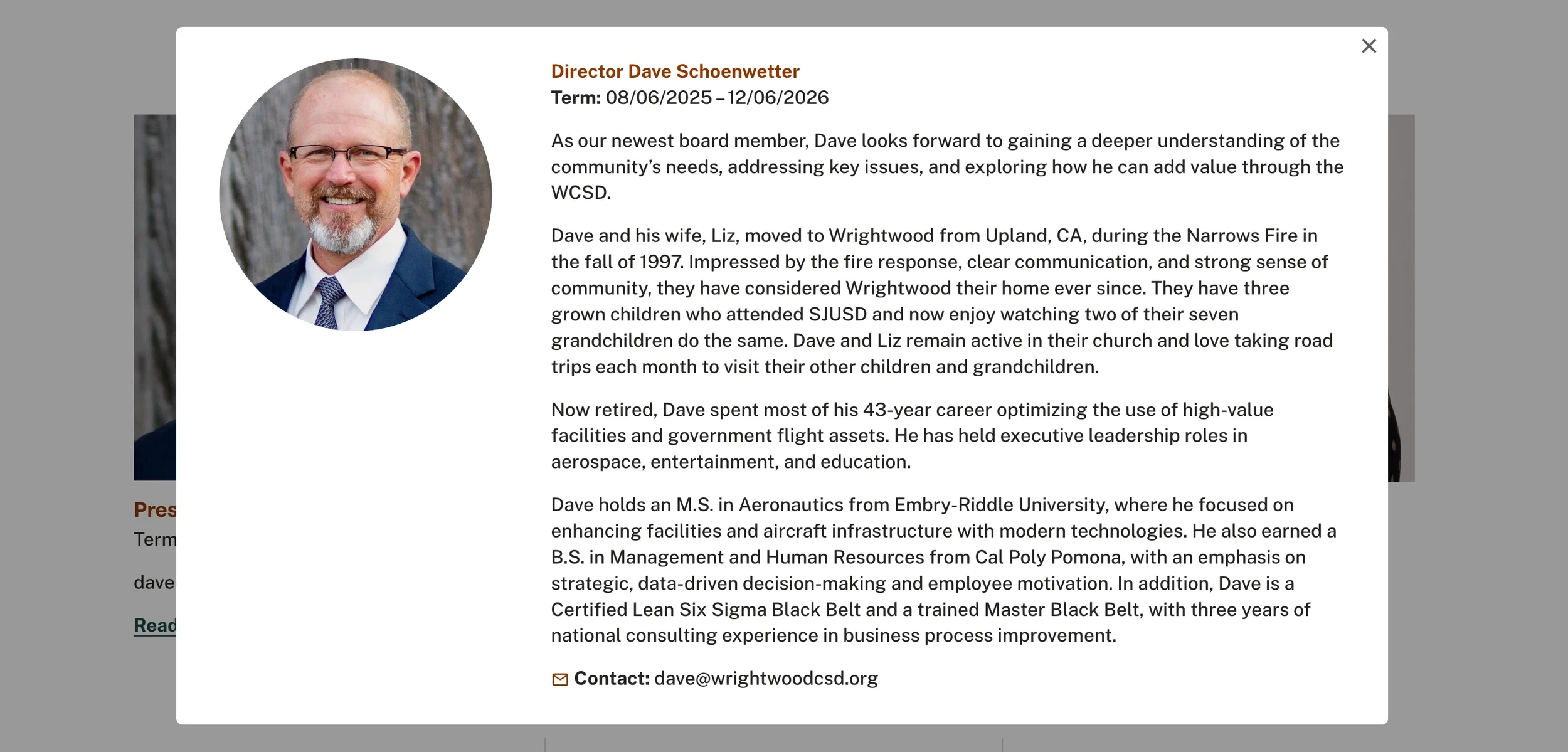
Much like the same would lead you to believe, this plugin lets you lightbox pretty much anything, which opens up a world of creative possibilities.
My favorite use cases are team bios, but they work just as well for size charts on apparel sites. Instead of cluttering a page with long bio paragraphs or having size charts take your customers away from the product page, you can keep things clean and let visitors pull up exactly what they want in a simple overlay. It keeps the layout tight while still giving access to all the detail.
5. Tabs Pro by Will Myers
Last but honestly one of my favorites is the Tabs Pro plugin by Will Myers, of course. I am a big fan of this one.
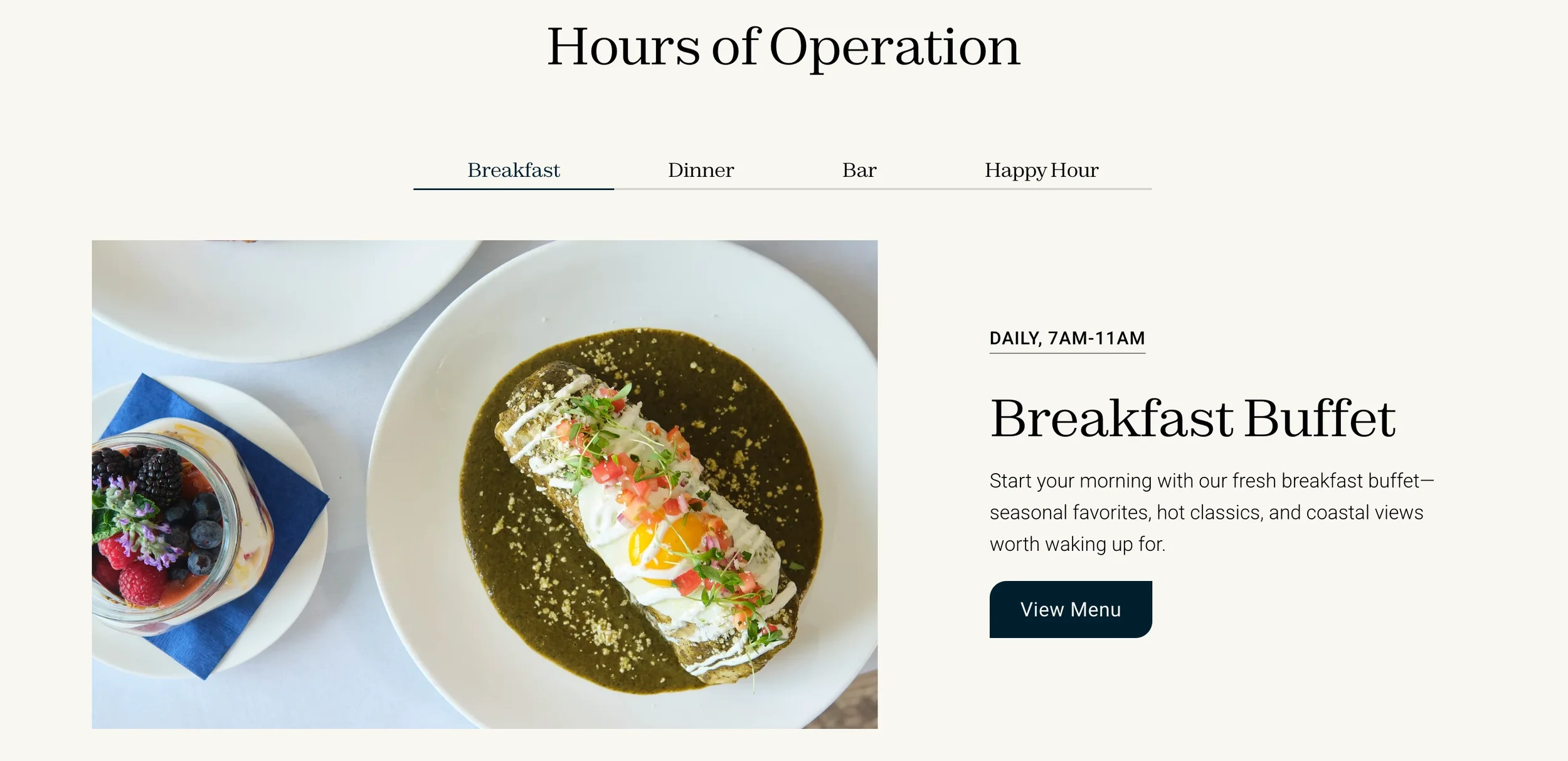
Here's the problem it solves: sometimes you have a lot of information that belongs together but would be overwhelming on one long scrolling page. Think service packages, FAQs by category, or a restaurant's hours and menu details paired with photos. Tabs Pro lets you organize all of that into one tidy, contained section that visitors can navigate themselves.
It keeps the page clean, reduces scroll fatigue, and honestly just looks really polished.
Final Thoughts
Plugins aren't always about adding bells and whistles just because. The best ones solve a real problem and make the experience better for the person on the other end of the screen. These five have earned their place in my toolkit because they do exactly that.